{product_title} item has been added to your cart
{product_title} don't miss out this product
Checkout


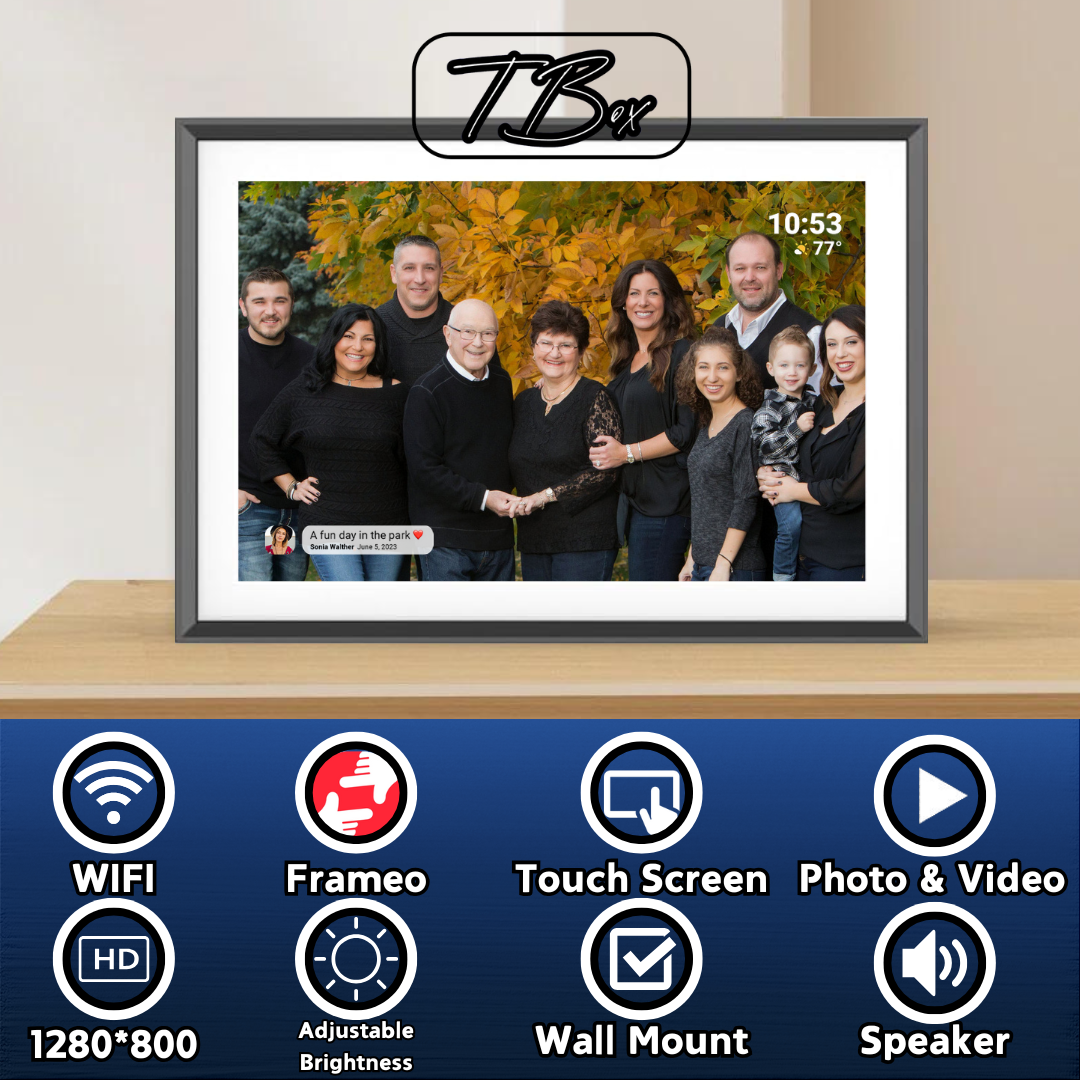
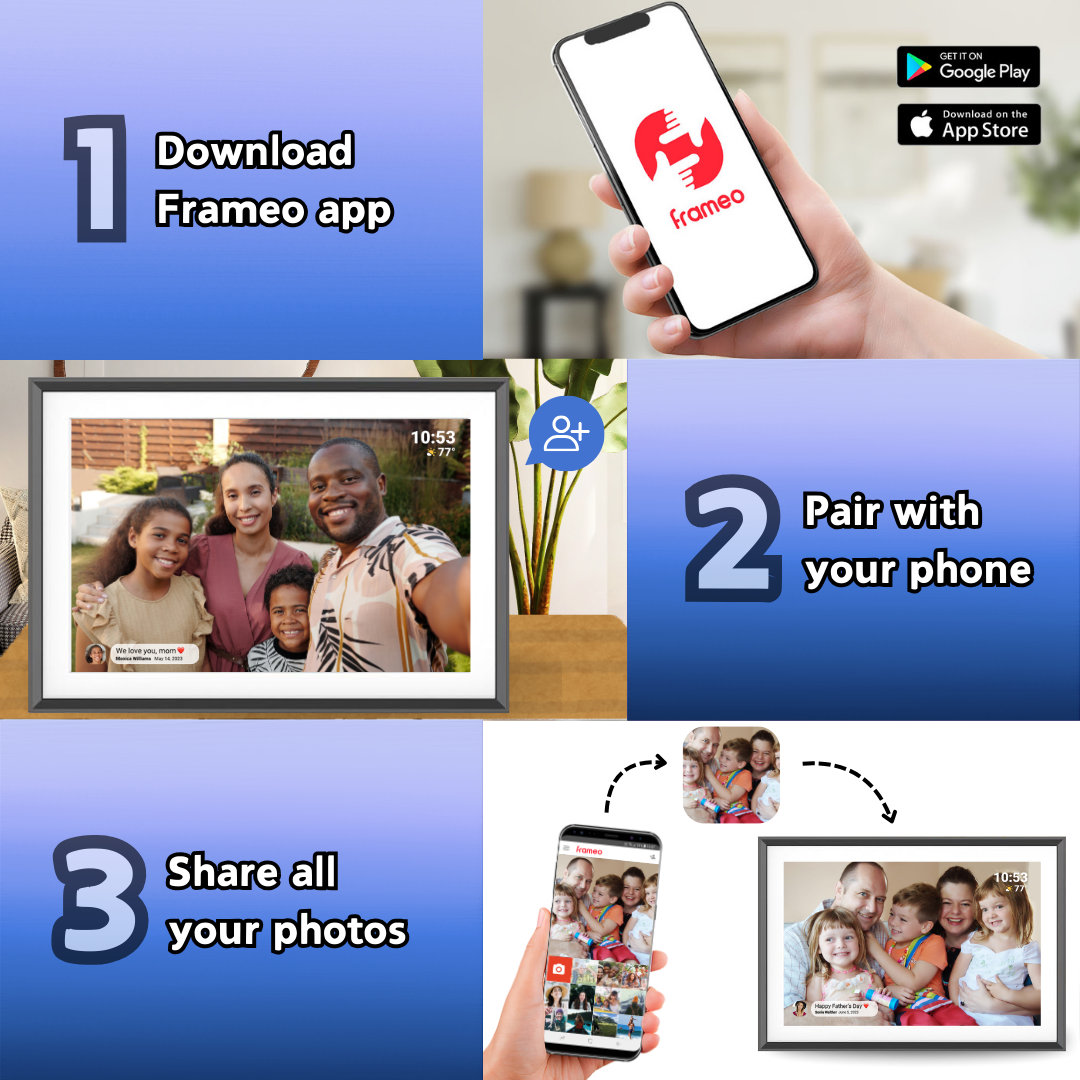
Enjoy a simple and modern way to share everyday moments with a 10.1" digital picture frame powered by Frameo. Send pictures and videos directly from your phone and have them appear instantly on the frame, making it easy to stay connected with loved ones wherever you are.
The black and white design blends effortlessly into different interiors, offering a balanced and minimal look that works in any room. The HD display ensures your memories are shown clearly, with sharp details and natural colors.
With a responsive touch screen and easy setup, this frame is designed for convenience. WiFi connectivity allows you to update content at any time, so new memories can be shared instantly without any hassle.
If there is any issues at all with your order don't hesitate to reach out to our friendly customer support team at hello@time-box.store. We will be happy to offer you an immediate solution and ensure you are left satisfied with your experience!
Timebox™
Timebox™ orders are fulfilled and shipped anywhere in the United States within an average of 5-10 days.

When my baby was born, I wanted my parents to feel close, even though they live out of state. Timebox made that possible. I send them daily photos and little video clips of his milestones, and they light up every time something new pops up. It’s like they’re part of our everyday life again.

My siblings and I all live in different cities, but we got our parents a Timebox for their anniversary. Now we all send photos and videos of our families, holidays, and everyday moments. My mom calls it her ‘window into our lives.’ Honestly, it brought us all a little closer again.

I gifted a Timebox to my boyfriend before we both left for different schools. I update it with pics and videos from my week, and he does the same. It’s like we have this quiet way of saying ‘I’m thinking of you’ every day. It keeps us feeling close, even when we’re far apart.


